Webapps
Neurodesk offers a set of browser-native webapps for protocol comparison, QSM processing, medical image segmentation and many more tasks. They run directly in the browser, so there is no desktop installation step before you can start working.
Privacy and sensitive data
Files are processed locally in the browser and are NOT uploaded to a server or cloud service. In practice, your data stays on your machine while the app is running, which makes these tools well suited to sensitive patient data workflows.
Available webapps
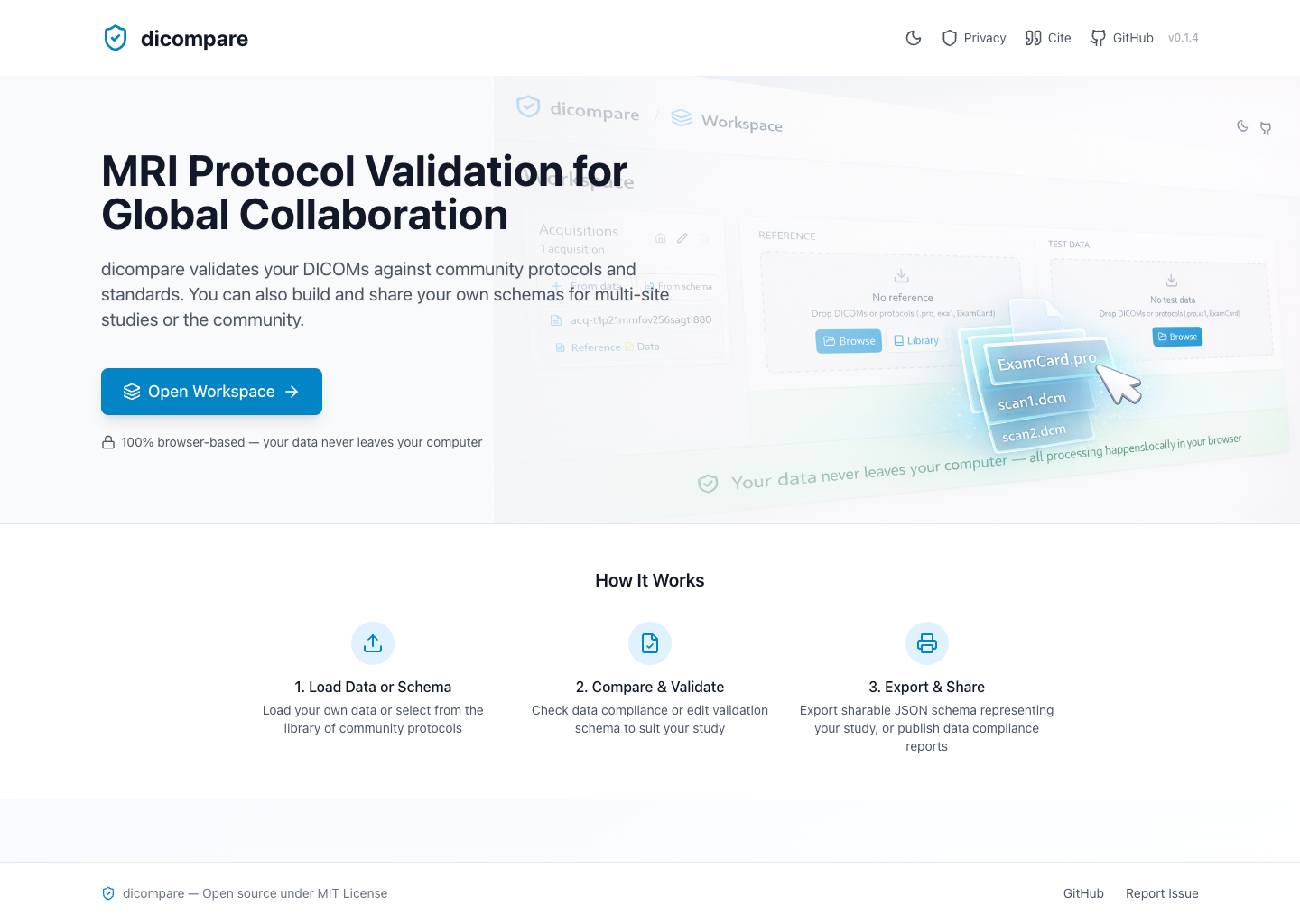
dicompare
dicompare is a browser-based tool for sharing, comparing, and validating DICOM acquisition protocols. It is useful when teams want to standardize scanner protocols across sites, compare local scans against agreed standards, and generate shareable schemas and compliance reports.
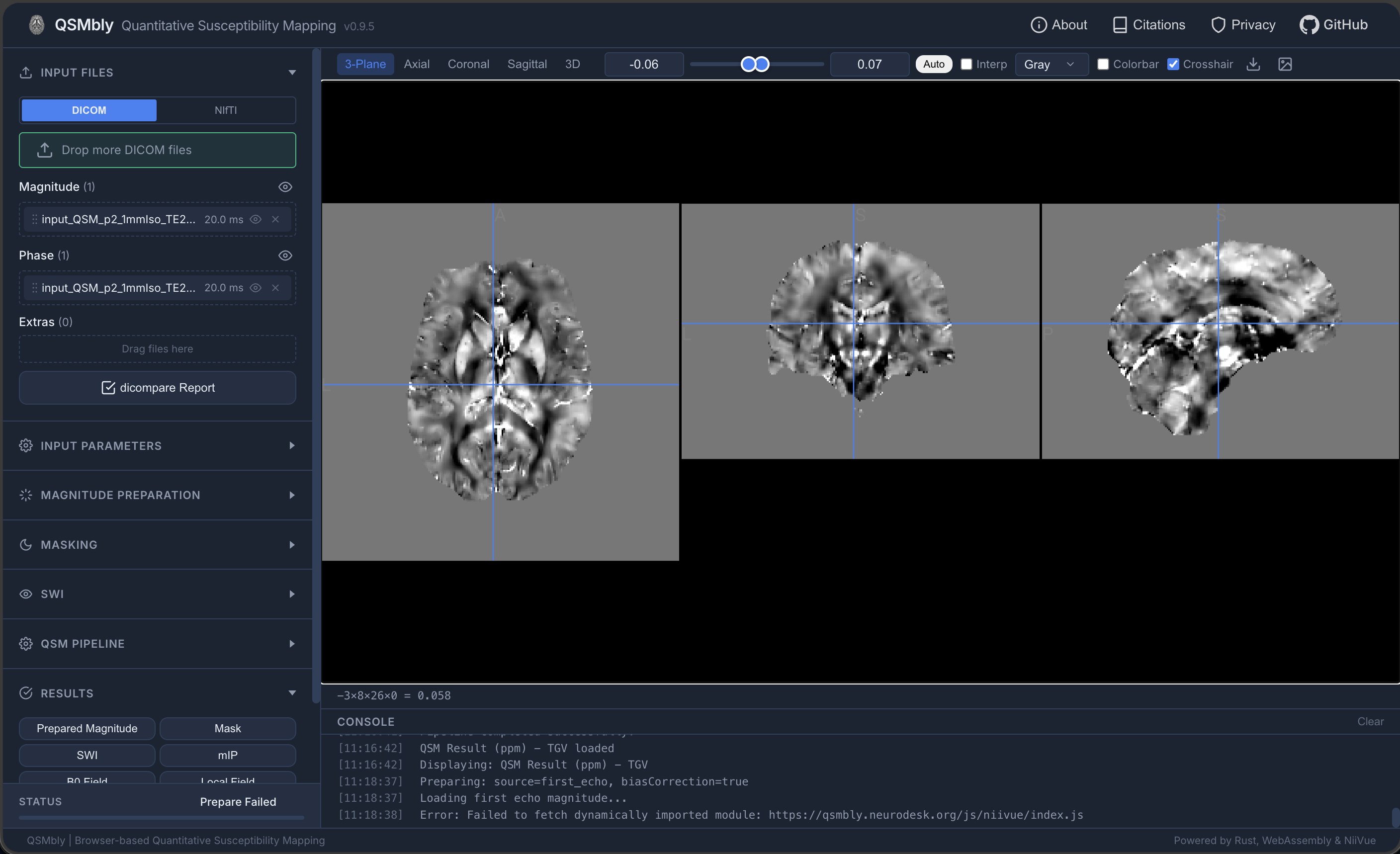
QSMbly
QSMbly provides a full Quantitative Susceptibility Mapping workflow in the browser. It supports DICOM and NIfTI input data and exposes the main preparation, masking, SWI, and QSM pipeline steps through a guided interface.
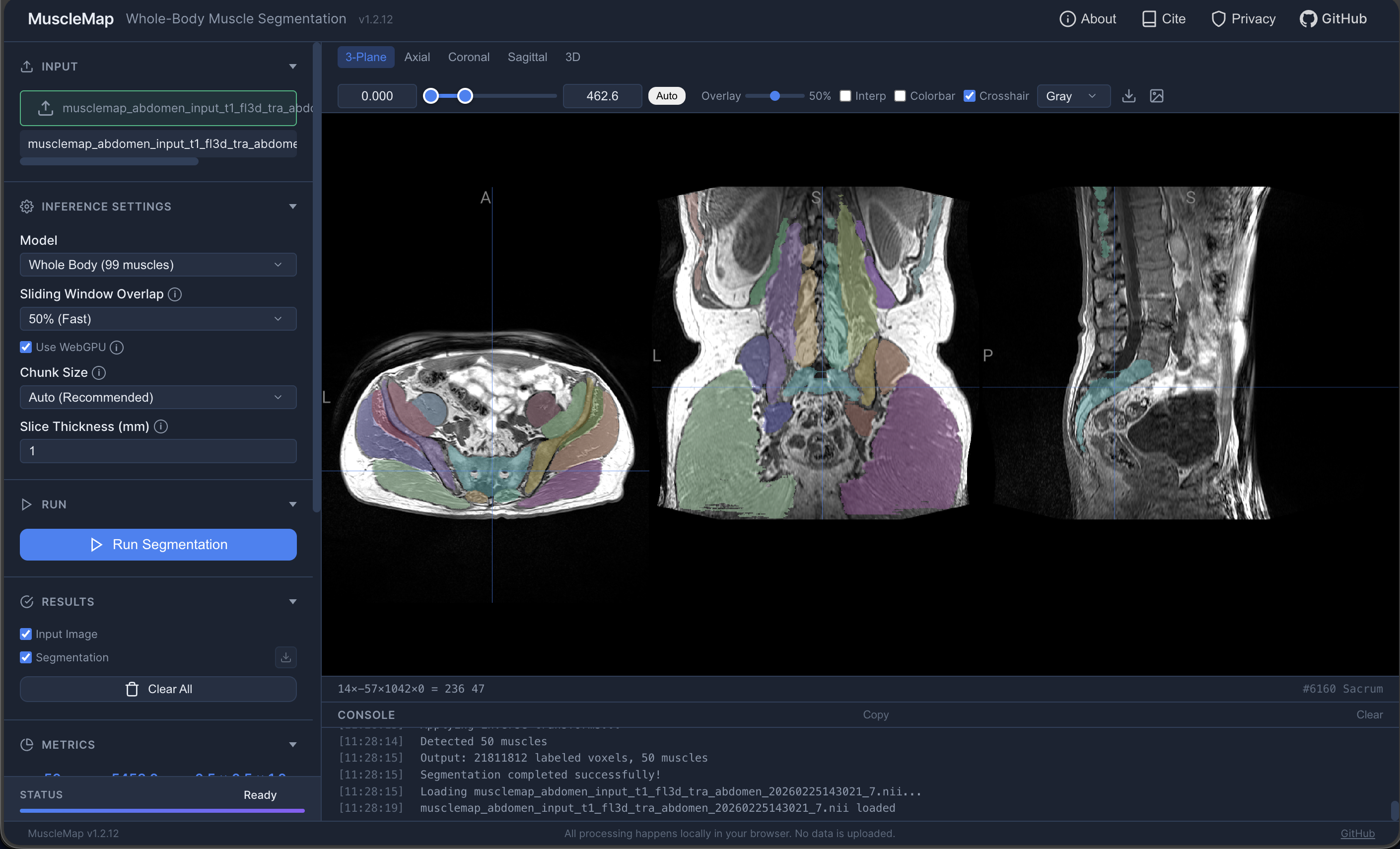
MuscleMap
MuscleMap performs browser-based muscle segmentation from MRI data. It is designed for whole-body and regional muscle analysis and provides an interactive viewer for reviewing segmentation outputs.
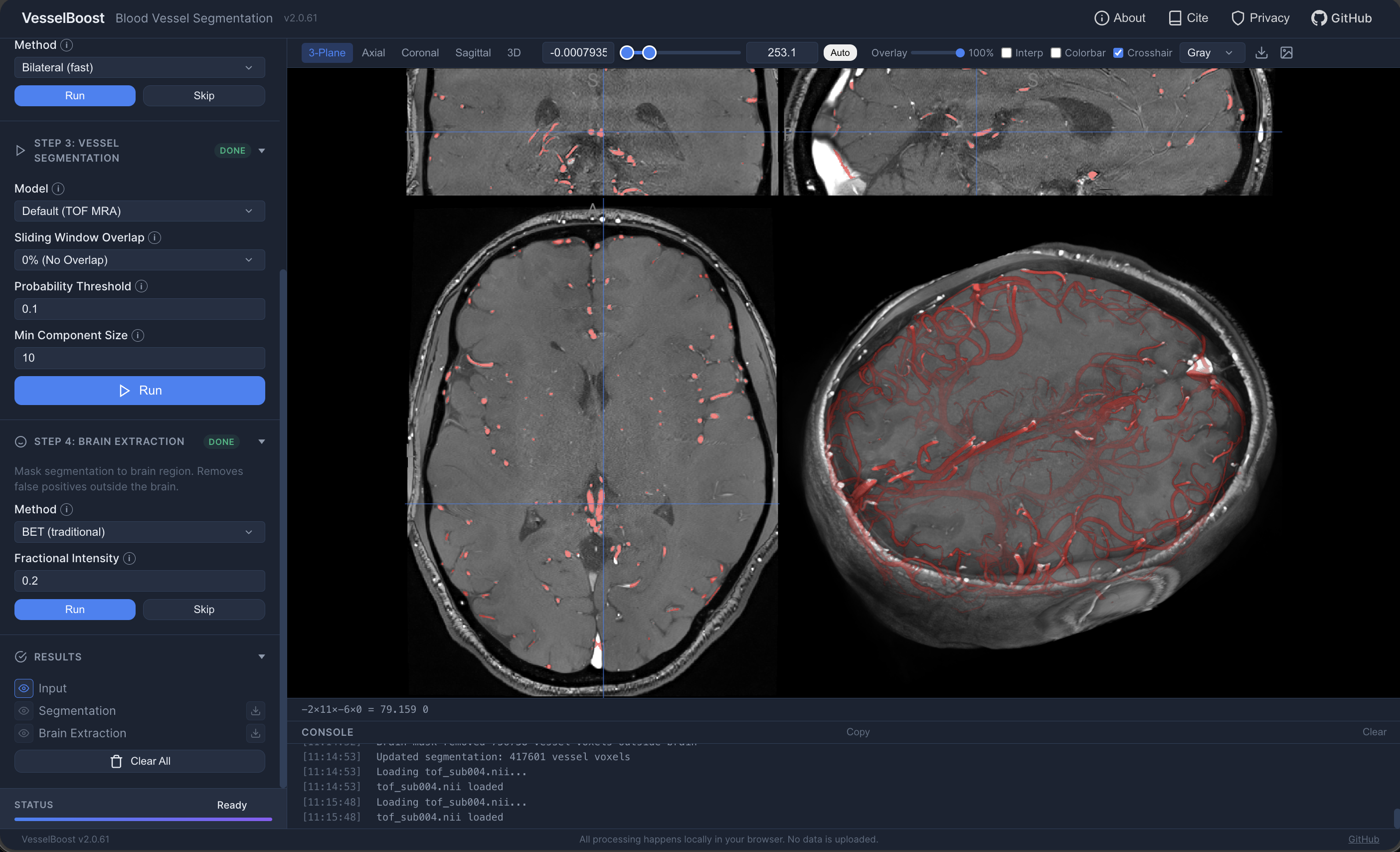
VesselBoost
VesselBoost is a browser-based blood vessel segmentation tool. It combines preprocessing and inference steps in a guided workflow so users can segment vessel structures from MRI angiography data directly on their own machine.